
Wunder Mobility changelog
Release 28-2026 - Clear Station Details & Smoother Signup
Highlights
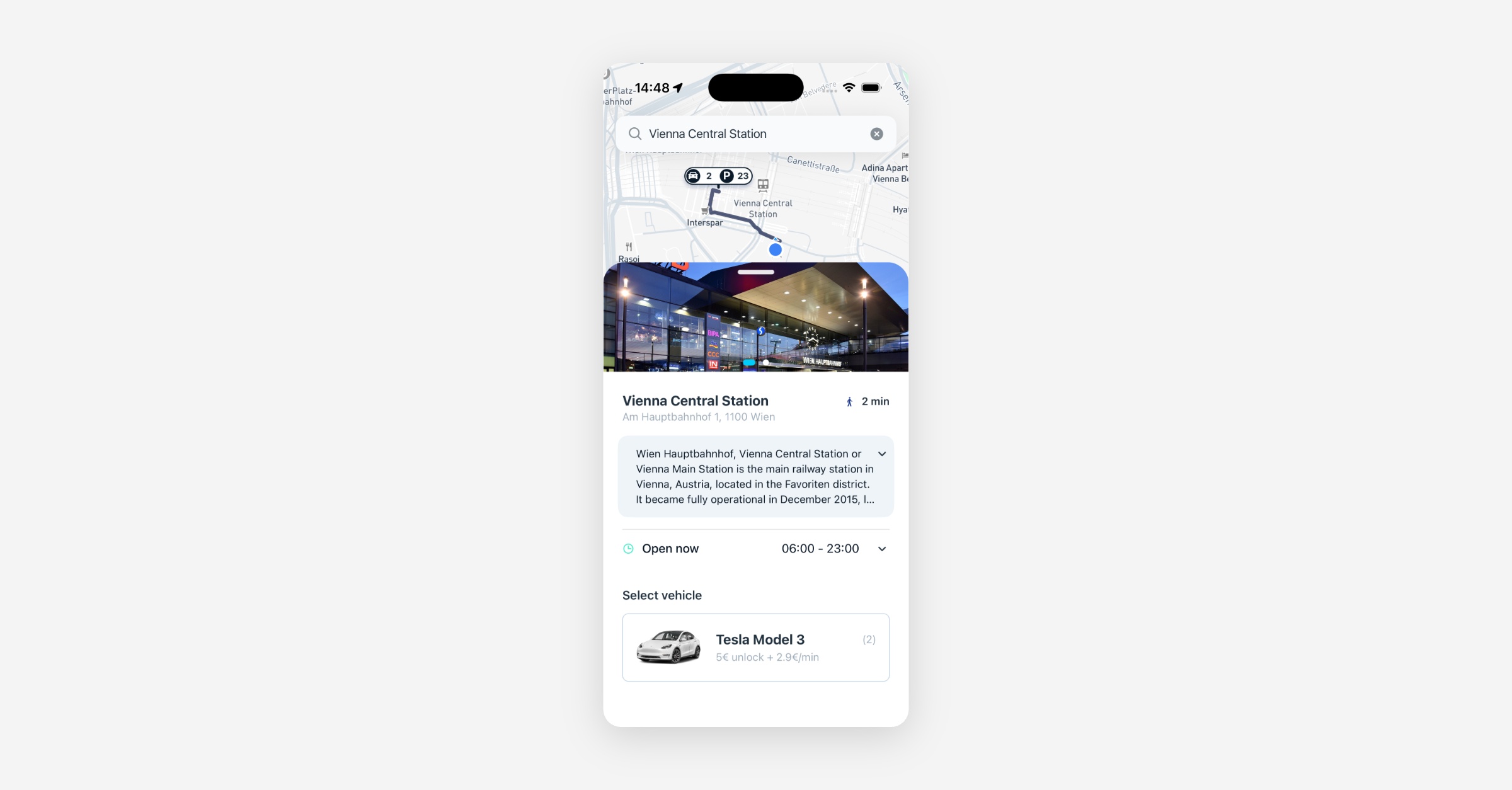
Stations come to life with descriptions and photos: Operators can now add a written description and an image gallery to each on-demand station directly from the Dashboard. Riders see this content when they tap a station pin, giving them the context they need to find the right spot and feel confident before they arrive.
Mobile App
Requires the latest app version. Contact your Customer Success Manager for details.
On-demand
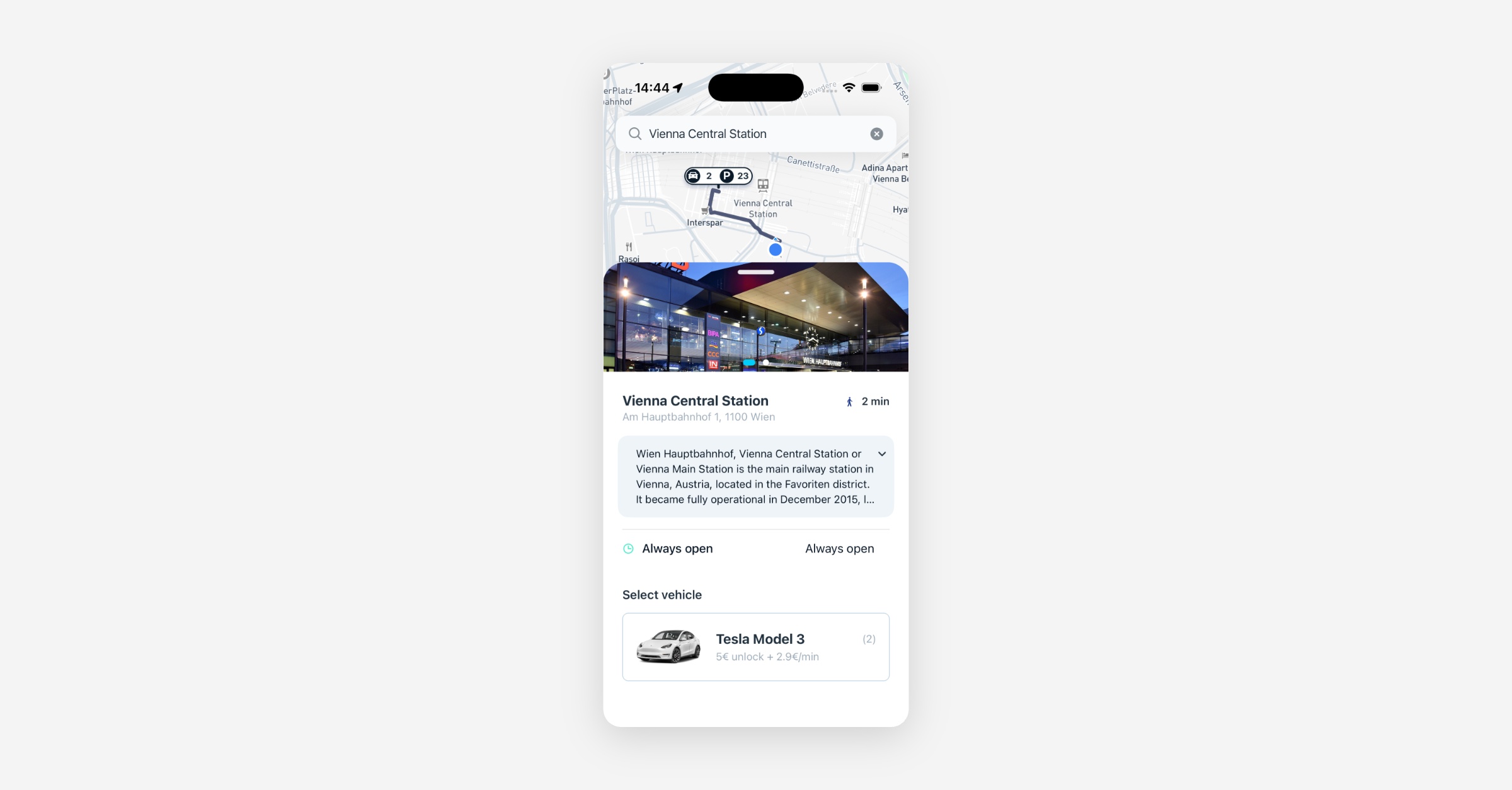
Station descriptions and images now visible to riders: When operators add a description and photo gallery to an on-demand station in the Dashboard, riders see that content when they tap the station pin in the app. This helps riders identify the exact physical location and reduces missed pick-ups.
Performance fix for station view and POI search: Station navigation and point-of-interest search had become noticeably slower in recent app versions, causing extended loading spinners on both Android and iOS. This has been resolved and response times are back to expected levels.
Sign-up
New sign-up flow now connected to the backend: The updated registration flow, which supports configurable steps and external profile completion options such as ID Austria, is now fully wired to the backend. This is the mobile foundation for the reworked onboarding experience launching with upcoming tenant rollouts.
Deep link to the passes screen now available: A
/passesdeep link path has been added to the app, enabling marketing teams to send push notifications and in-app messages that take users directly to the passes screen in one tap.
Web App
Sign-up
ID Austria identity verification now available in the web onboarding flow: Users signing up via the browser can now choose to complete their profile using ID Austria, matching the option already available on mobile. When the next-step endpoint returns an ID Austria option, the web app surfaces it as an alternative to manual entry.
New Dashboard
General
Damage approval error no longer silently resets state: When an operator approved a damage report without a severity level set, the dashboard blocked the save but the error was easy to miss. If the operator then set severity separately, the form quietly reset to "New" because the original approval was never sent. The error message is now more prominent and the state no longer reverts unexpectedly.
Notification channel fallback message editor no longer shows an error on first use: Clicking the localization icon on a notification channel that had no saved translation previously returned a generic error, making it impossible to set a fallback message from that screen. This is now fixed: the editor opens correctly even when no prior translation record exists.
Platform
Booking
Overdue booking conflicts now appear correctly in the vehicle timeline: When a booking linked to an overdue booking was shown in the vehicle timeline view, the conflict indicator was missing. Operators can now see the conflict correctly, preventing scheduling confusion on the timeline.
Booking Stations
Station capacity enforced at booking creation and update: The booking creation and update endpoints now validate that the destination station has capacity for the returning vehicle, not only the departure station. Bookings that would overfill a drop-off station are blocked before confirmation rather than at return time.
Station capacity setting scoped to Dashboard only, decoupled from mobile: We have scoped station capacity handling to Dashboard and decoupled it from mobile, so the two surfaces are no longer tied together. Dashboard is now the single place where station capacity is managed, and mobile support will follow in a future release
Drop-off availability respects the maximum rental duration: The drop-off station availability check now factors in the tenant's maximum rental duration setting. Previously this setting was ignored, which could allow bookings to show available return slots that were not actually reachable within the allowed rental window.
Zero-slot drop-off station handled gracefully: When a destination station has no available time slots, the booking flow now responds with a clear, actionable message rather than displaying a time picker with no options.