
Wunder Mobility changelog
Release 32-2026 - Wunder AI, Vehicle Card & Verification Workflows
Highlights
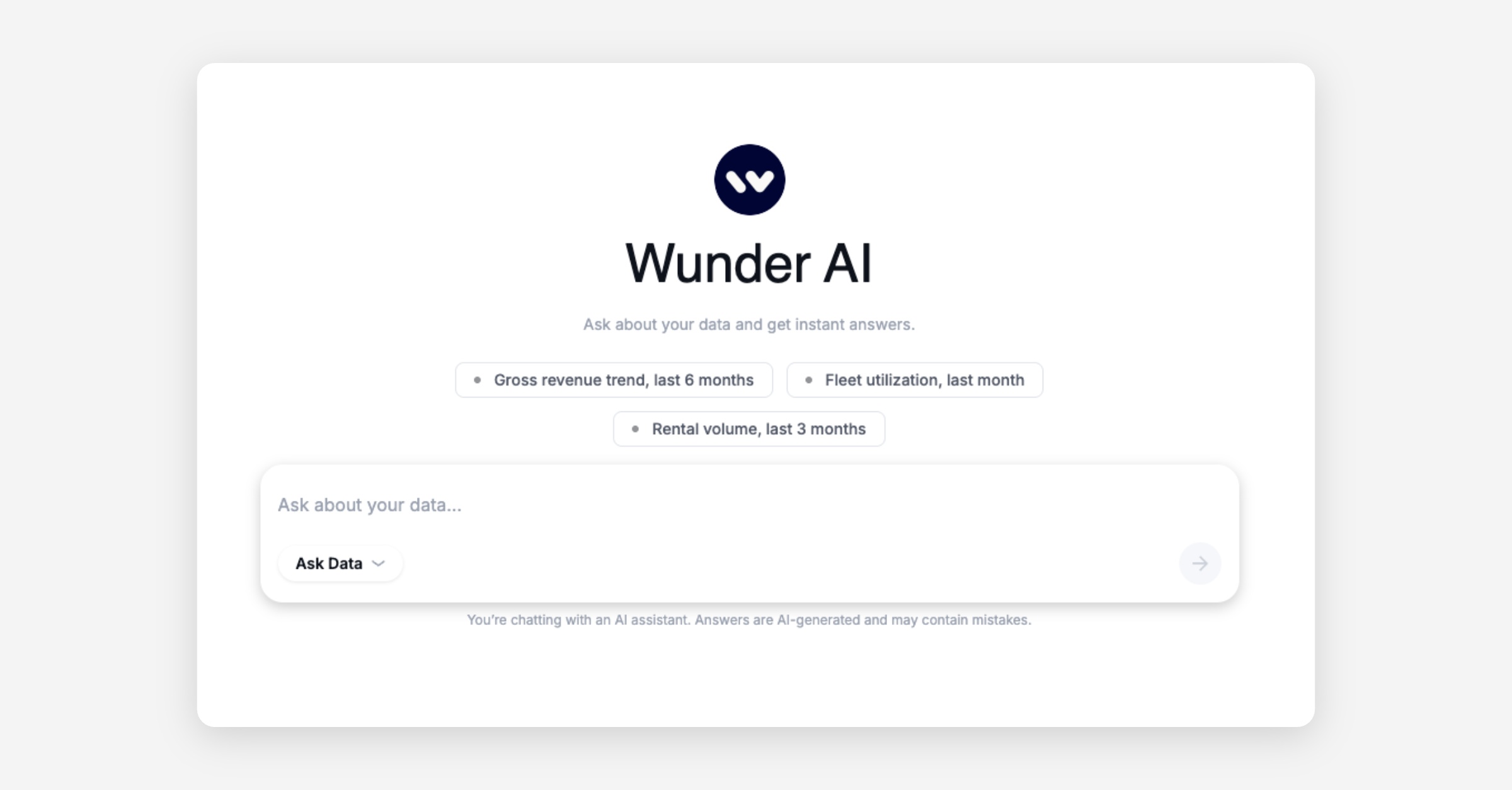
Wunder AI - Ask your data a question: Wunder AI is a new way to get answers from your operational and commercial data. Ask in plain language and get a written answer with the chart behind it. No report queue, no SQL, no waiting on an analyst. It is not only for single figures. Begin with a suggested question such as Gross revenue trend, last 6 months, then keep going from the answer: narrow it to one branch, split it by month, compare it with last year, without starting over. We are enabling Wunder AI gradually across operators over the coming weeks. You will find it in your Dashboard navigation once it is active for your account, and your Customer Success Manager will be in touch around the same time.
A vehicle card that turns a glance into a go: The moment a rider taps a vehicle is the moment they decide whether to ride, and that screen just got a rider-first makeover. The new vehicle card leads with what actually matters, the vehicle's features and its live remaining range, and it promotes the actions riders reach for most, parking and damage reporting, so nothing important sits buried a tap away. The result is a cleaner, more confident hand-off into the trip: less squinting and second-guessing, more riding. It arrives with the next mobile app version, and you can switch it on for a slice of your riders first, trying it in the wild before you roll it out to everyone.
Operator-assigned subscriptions in the Dashboard: Customer support agents can now assign a subscription directly to a user from the Dashboard, removing the need for workarounds in programmes such as cycle-to-work schemes or cases where a user cannot self-serve. (BUS-650)
Mobile App
Requires the latest app version. Contact your Customer Success Manager for details.
Booking
Balance card shows correct minute balance when adding funds: On the funds and packages screen, the balance card now displays both the euro balance and the available minute balance. Previously only the euro value appeared, leaving riders uncertain about how many minutes they had remaining. (BUS-2892)
On-demand
Refined vehicle modal UI: The vehicle modal UI has been updated with clearer information layout, including vehicle features, range display, and more prominent park and damage-report actions, helping riders make faster, better-informed decisions at the vehicle. This update becomes available with the next mobile app version, and it has a capability of being rolled out to parts of your user group for initial testing.
Search bar and logo aligned consistently across iOS and Android: The map search bar and logo positioning on Android has been brought in line with iOS, so the experience feels consistent regardless of device.
Web App
General
Display filter on the Localization settings page fully visible: The filter panel on the Settings > Localization page was partially hidden behind other UI elements, making it inaccessible. It now opens fully. (BUS-2666)
New Dashboard
General
Record count shown at the bottom of every table: Every table in the Dashboard now shows the total number of records matching the current filters. This removes the need to export data to a spreadsheet just to count rows.
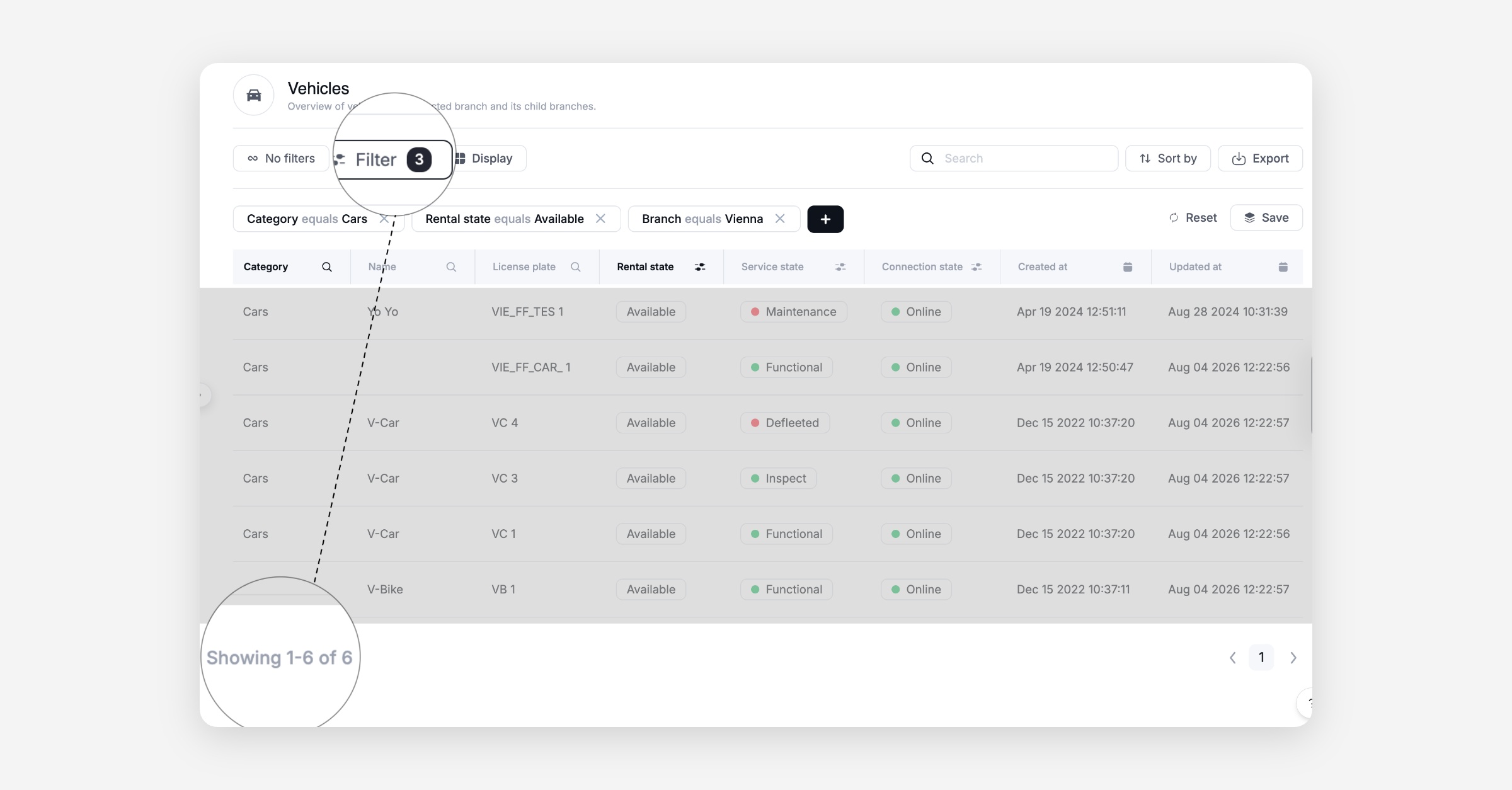
Vehicle activity log: custom date-time filter now returns the right results Filtering vehicle activities by a custom date-time range was returning wrong or empty results. It now shows exactly the activities in the range you select.
Verification queue loads quickly with pagination: The verification queue was loading over a thousand pending items at once, making the page slow and difficult to work with. Pagination has been added so the queue loads in manageable pages. (BUS-2935)
Identity document images from all verification providers now display correctly: Images returned from one of the two identity verification providers were not appearing in the verification side panel at all, even though the images were being returned by the provider. Both providers now display the full image carousel correctly. (BUS-2934)
Operator-assigned subscriptions: Customer support agents can now assign a subscription to a user directly from the Dashboard, enabling programmes like cycle-to-work and covering cases where a user cannot purchase a subscription themselves. (BUS-650)
Custom expiry dates on customer care vouchers: Operators can now set an explicit expiry date on a customer care voucher instead of relying on the fixed system default. This is especially useful when the voucher is tied to a supporting document that has its own expiry date, avoiding situations where the voucher either outlives the document or has to be revoked manually. (BUS-2765)
Station image uploads no longer produce duplicates: When uploading multiple images to a station, some later uploads were appearing as duplicates of a previously uploaded image. Images now upload and display as expected.
Booking
Wunder AI now accessible to customer support and fleet manager roles: Customer support agents and fleet managers can now open Wunder AI in the Dashboard. These roles hold most of the required data permissions but were previously blocked from entering the assistant. This change grants access for the launch phase, with a dedicated permission gate to follow. (DATA-763)
Wunder AI free trial disclaimer and navigation entry: Wunder AI now has a dedicated entry point in the Dashboard navigation so operators no longer need a direct link from their Customer Success Manager to find it. A banner inside the assistant explains that it is in a free trial phase and that a daily usage limit will apply once the trial ends. (DATA-746)
B2B
Per-customer Wunder AI feature toggle: Wunder AI is now controlled by a per-tenant toggle, allowing the feature to be enabled for specific operators as part of a phased rollout. Operators not yet in the rollout are unaffected. (DATA-632)
Platform
General
Email confirmation sent when a user's email address is changed: When an operator or support agent changes a user's email address, the new address now receives a dedicated confirmation email asking the user to verify the change. Previously the new address received the full signup welcome email, which led users to believe their account had been reset and prompted unnecessary support contacts. (BUS-2615)
Phone verification no longer returns a server error for users with no pending code: Submitting a phone verification code when no verification request was pending returned a generic server error (HTTP 500) instead of a clear, translatable message. The error is now handled correctly. (STA-171)
Voucher list endpoint no longer crashes on incomplete voucher records: A rare edge case where a voucher record had incomplete data caused the voucher list endpoint to fail with an unhandled error. This has been resolved, and the endpoint responds correctly in all cases. (STA-163)
Historical rides display correct durations and are fully reconciled: Riders were seeing very large negative duration values on past rides in the app. This issue has been resolved: durations are now calculated correctly and consistent between the app and the dashboard.
Subscription data carried across during user migration: When a user is migrated as part of a phased cohort, their active subscription is now created on the destination platform automatically. Previously subscriptions had no import path, requiring manual intervention for migrated users who held an active subscription. (BUS-2867)
Migration tag prefixes corrected for users and vehicles: User tags now use the
us:prefix (for exampleus:london) and vehicle tags use thevh:prefix, correcting a mismatch with the configuration already in use by the operator. This is a follow-up to the initial tag structure implementation. (BUS-2910)Rider migration status now visible in the back office and operator API: V2 now exposes a
migratedAtfield on both the front and back API endpoints, allowing the back office and any connected systems to confirm whether a rider has been migrated and when V2 took authority. (BUS-2929)
Vehicles / IoT
Fewer false failures on vehicle lock, unlock and pause commands: Two fixes remove failures that were reported even when the vehicle was fine. First, commands are no longer rejected as "command already in progress" when the vehicle is actually free, so rental starts and ends no longer stall. Second, on OKAI vehicles, a pause or lock sent while the vehicle is still moving is no longer reported as failed. The vehicle correctly locks once it slows down, and the command now waits for that confirmation before reporting the result.
API
General
GBFS station feeds now include physical docking stations: Physical docking stations are now published in the GBFS station information and station status feeds, completing the GBFS station support rollout. Integration partners and mobility data aggregators consuming GBFS feeds will now see docking station availability alongside free-floating vehicle data.